
Set up and save a position
Setup builds any position, from scratch or from an XGID, and saves it with your notes.
- Open Setup from the Lobby.
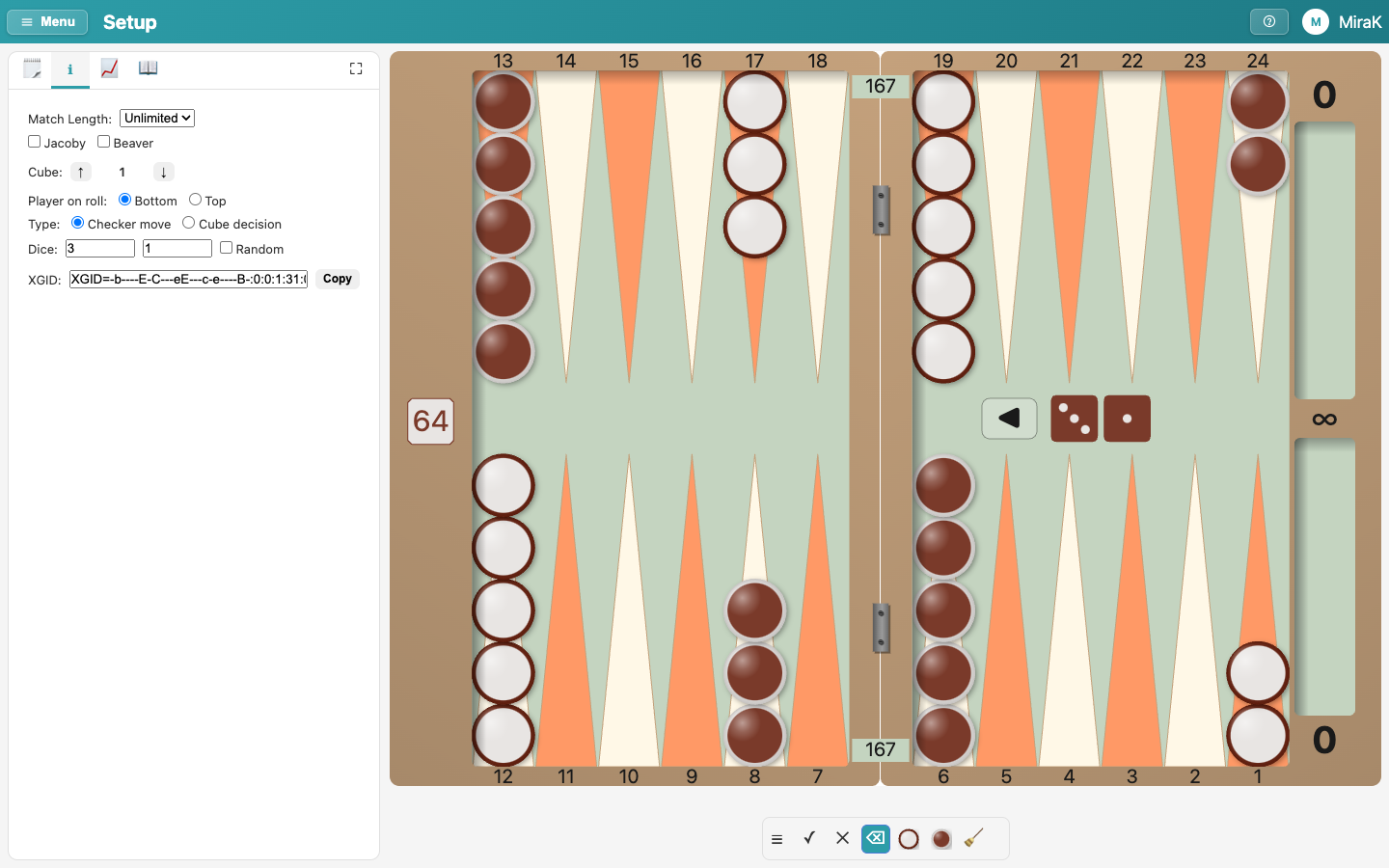
- Pick a checker colour, then click the points to put checkers there. The eraser removes them, the broom clears the board.
- Position holds the score, the cube, who is on roll and the dice.
- Or paste a position's XGID, the text other backgammon programs export. The board shows it at once.
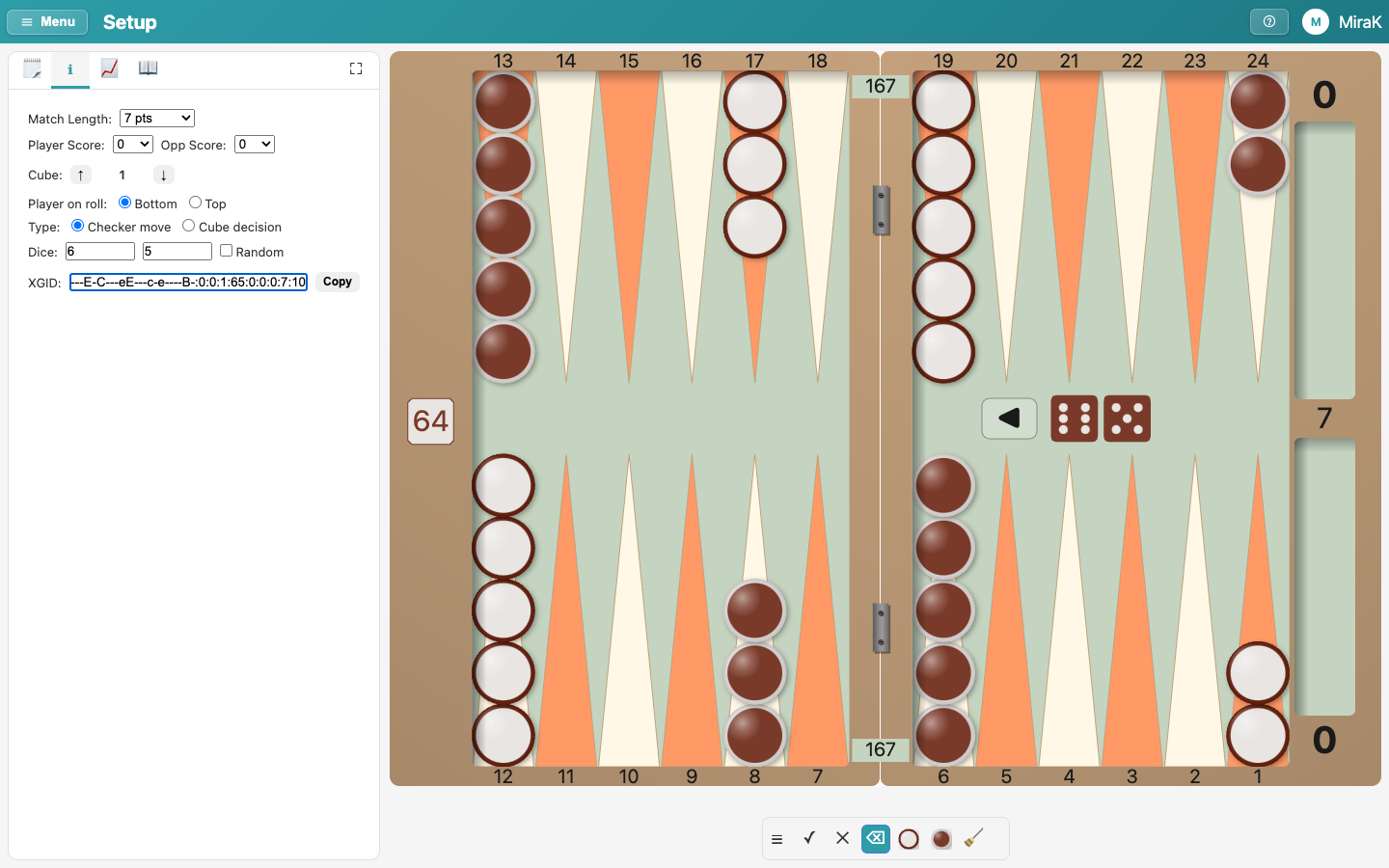
- Notes holds what you write about the position.
- Give it a title, so you can find it again.
- Save keeps the position. Explore lists it under Setup Positions, with the positions from your games.
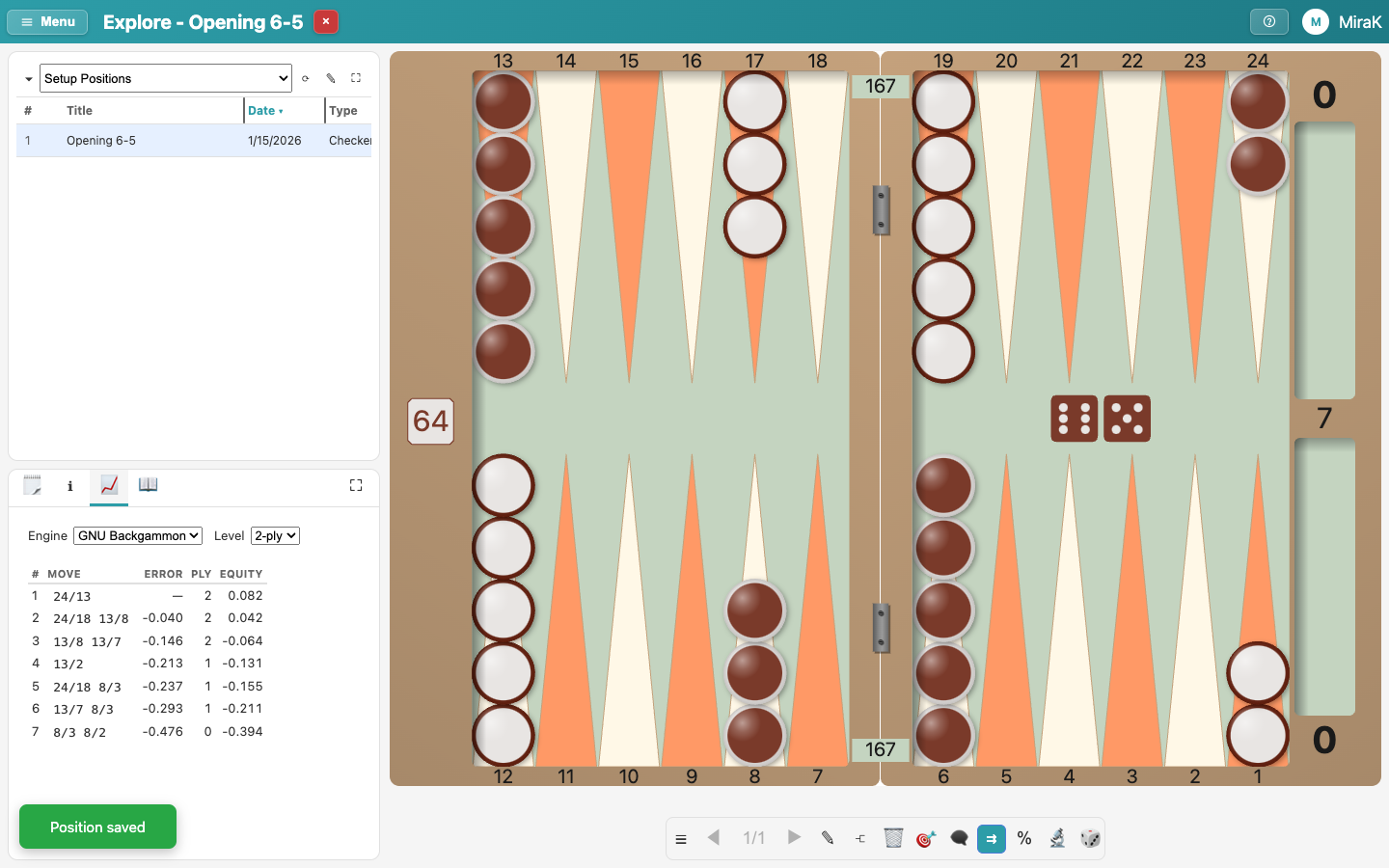
- To delete a position, use the toolbar's Delete position.