
Compare variants of a position
A variant is a copy of a position with something changed, such as the roll or the score, kept with it.
- A saved position opens in Explore, under Setup Positions.
- Create variant starts a copy of the position to change, here the same board with another roll. The original stays as it is.
- Change the board, the roll or any other setting.
- A variant has its own title. The notes and Reviewed are the original position's, shared by all its variants.
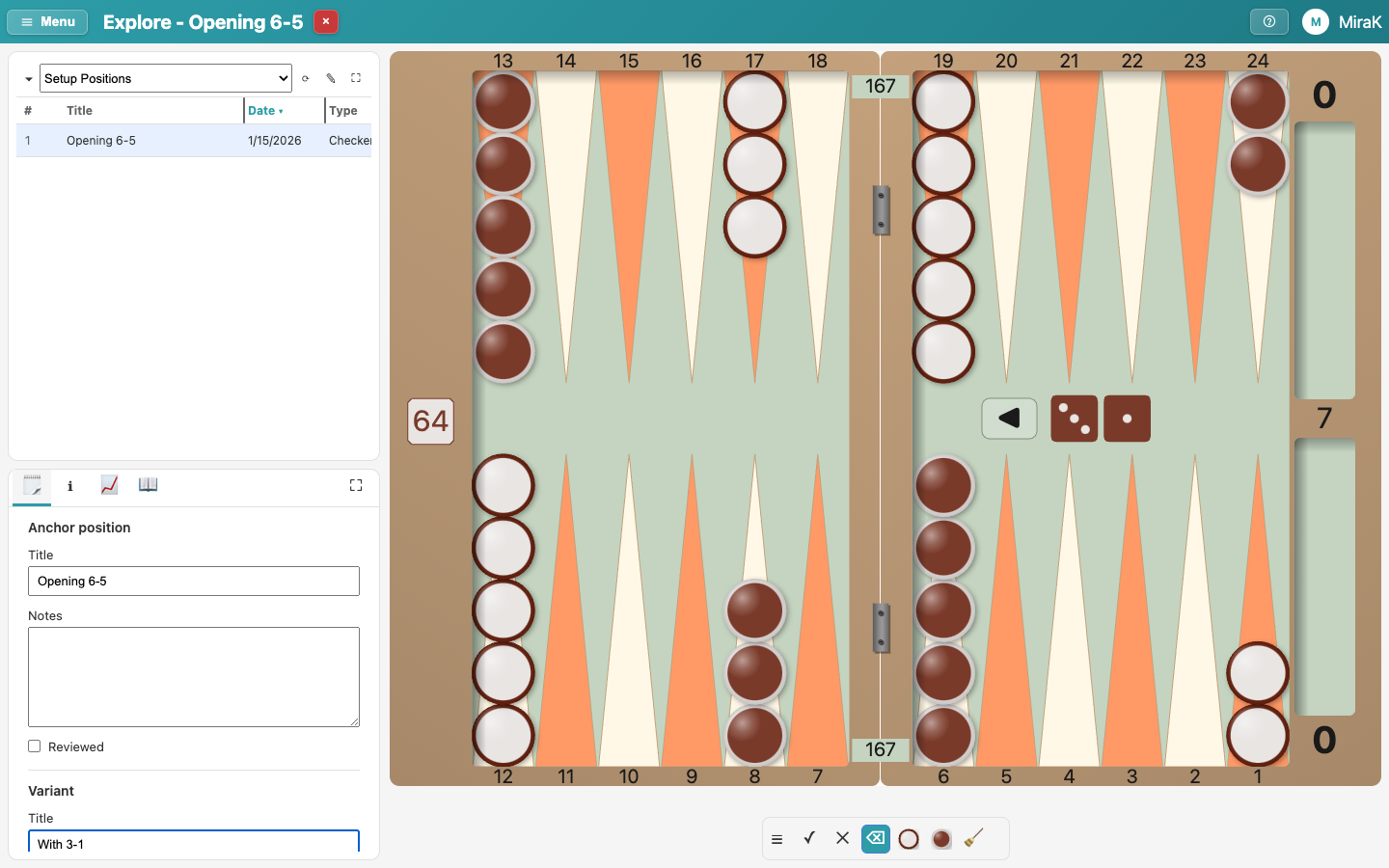
- Save adds the variant below its position in the results.
- The variants are indented below their position. ▾ folds them away.
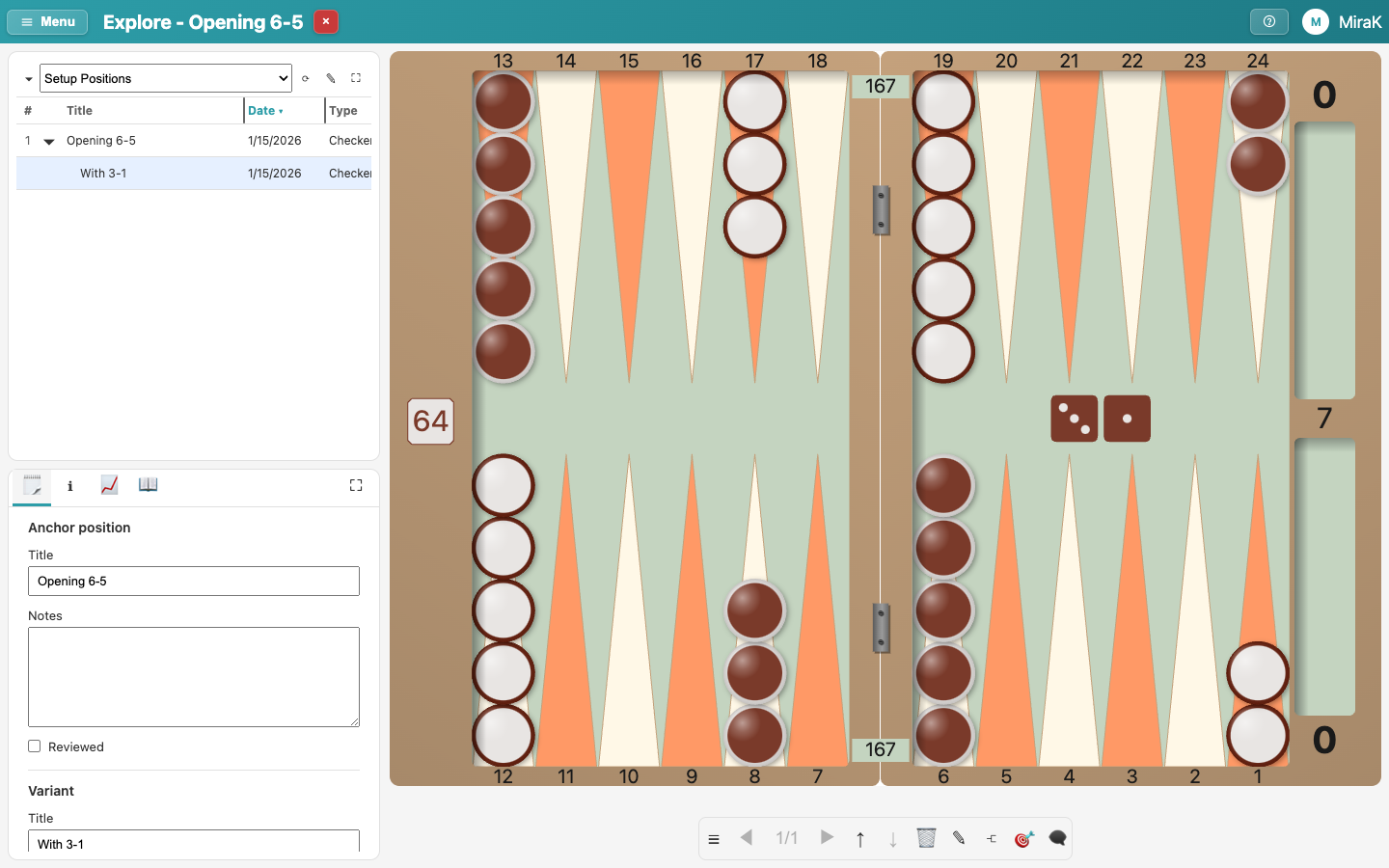
- Pick the position and its variants in turn to compare their analyses.
- Delete variant removes the variant.