
Create a chouette
A chouette is a group that plays together over many sessions. Its settings and administrators carry over from one session to the next.
- Open Play a chouette from the Lobby. It lists the chouettes you can join.
- Create a chouette lists the chouettes you run, with the way to set up a new one.
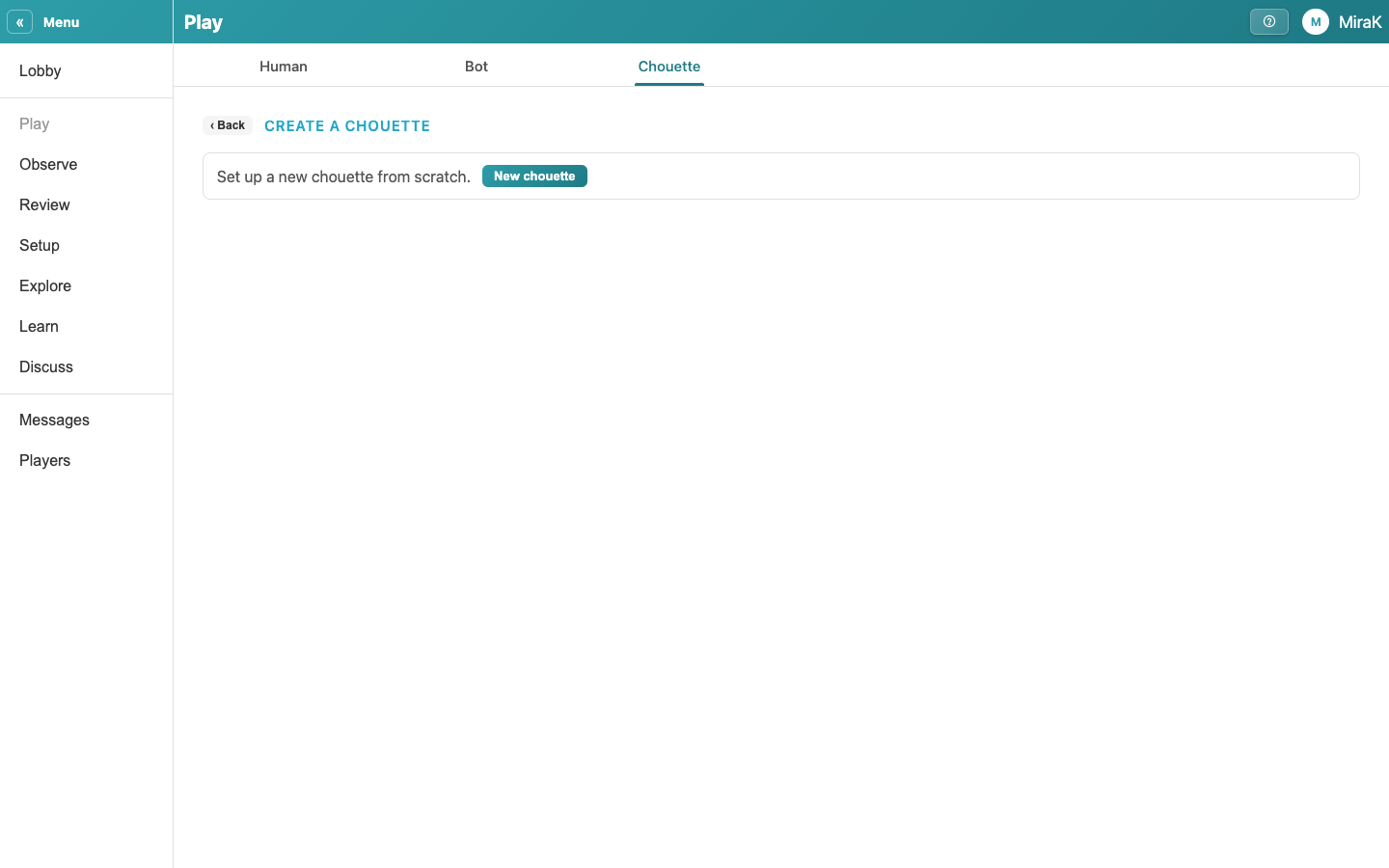
- New chouette sets one up from scratch. The list at the top copies one of yours instead, with its settings.
- Give the chouette a name. Each of its sessions is numbered,
- Who can join decides who sees the session in their list, your friends here. A private one is for the players you invite.
- Settings has the chouette's rules, such as the stakes, the clock and the cube options. Schedule starts the session later, and Invite asks friends to join.
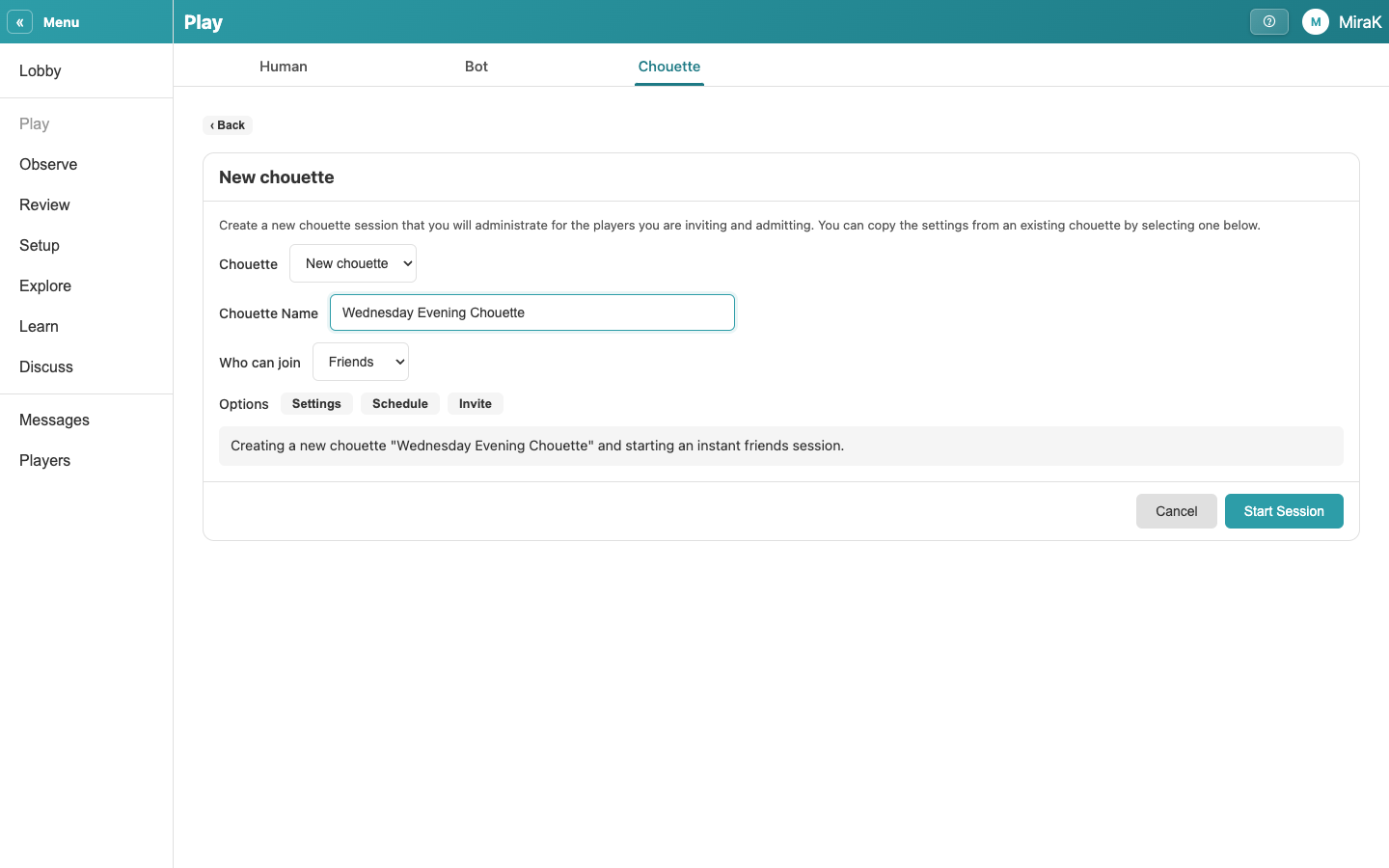
- Start Session starts it now and seats you as its administrator. The players you admit join you, and Shuffle starts the first game.
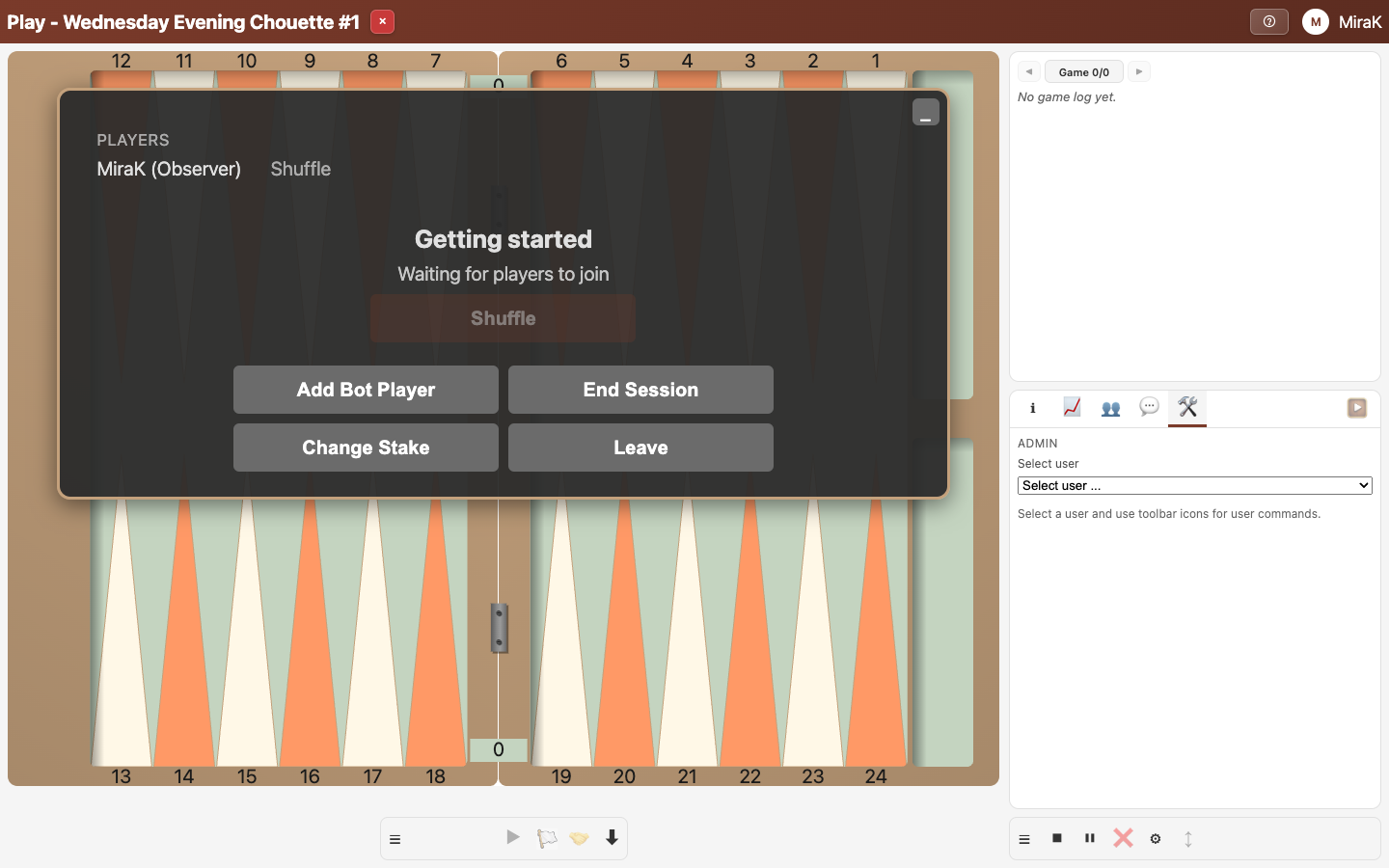
- As the administrator, you end the session when you close it.