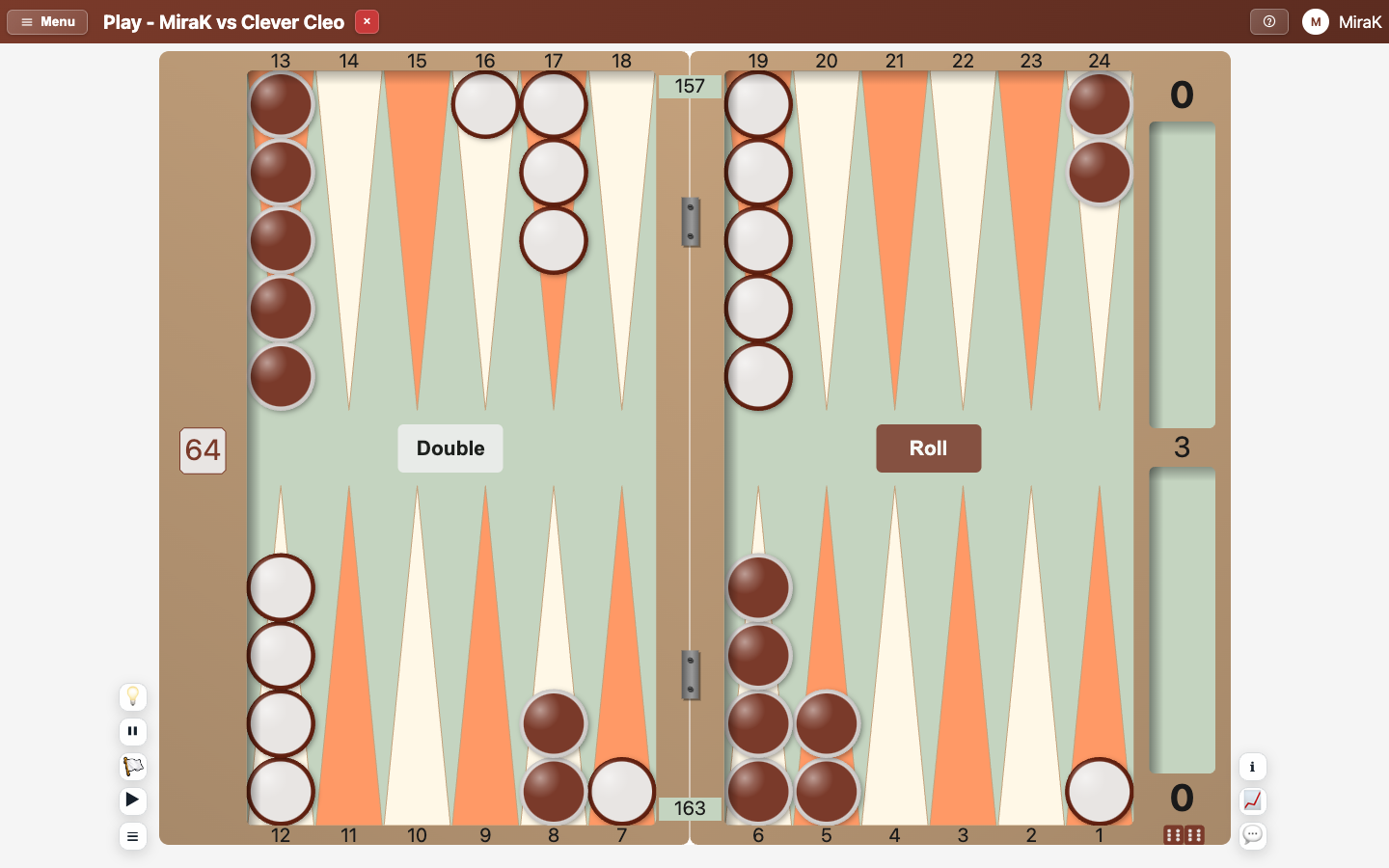
Use the Play, Info, Analysis, Players and Chat panels
Beside the board (below it on a phone in portrait) are the panels. Their tabs switch between them.
- Open Play a bot from the Lobby.
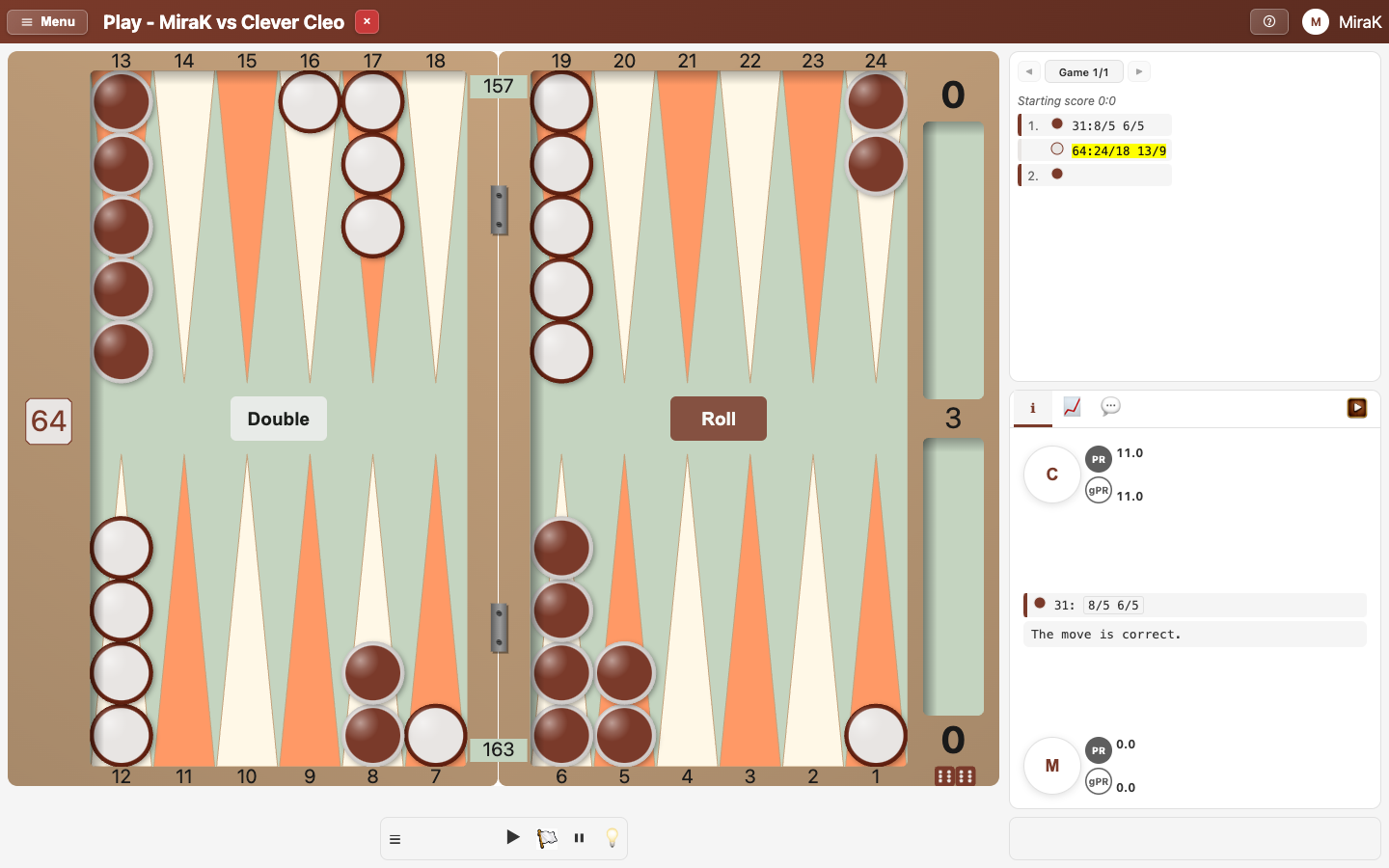
- Info shows each player's performance rating so far and what the analysis says about the last move.
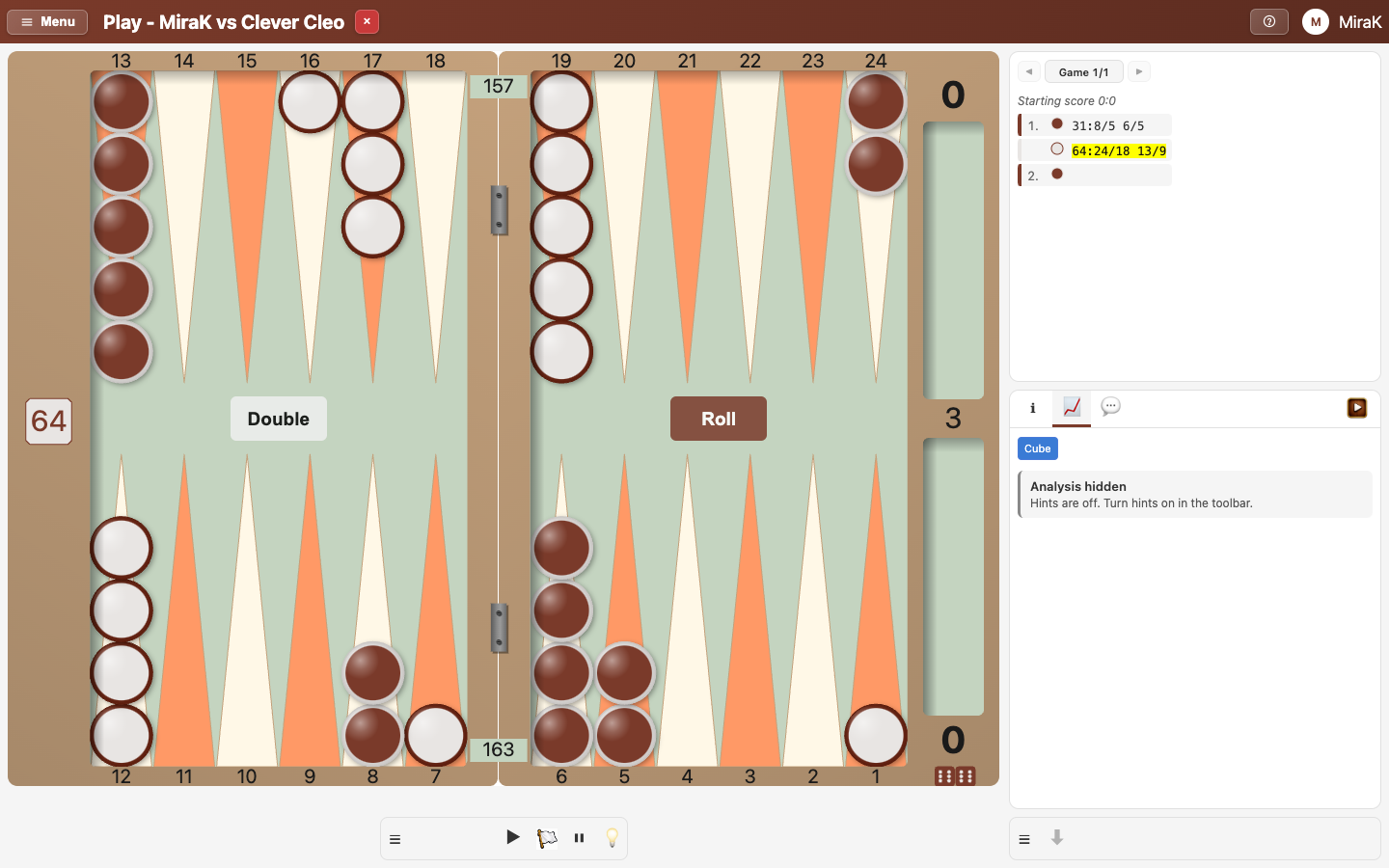
- Analysis shows how the moves so far were rated. Pick a move in the game log to see it on the board.
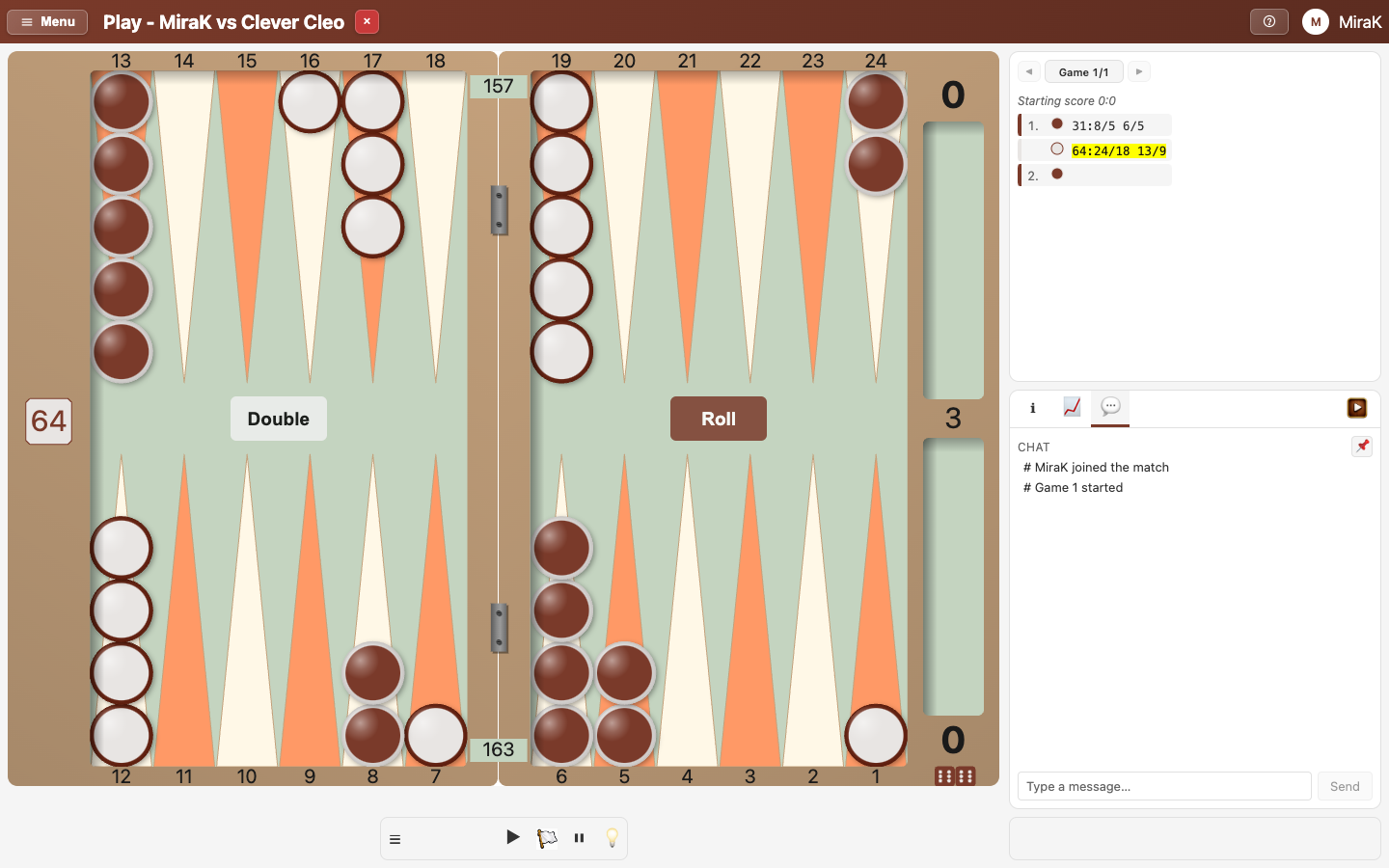
- Chat is for talking to your opponent and anyone watching.
- Play hides the panels and gives the board the room.