Create an account
An account is all you need to play. You sign up with your email address, which Choue checks with a code.
- On the login page, choose Create a free account at the top right.
- Enter your email address. You can also continue with your Google account instead.
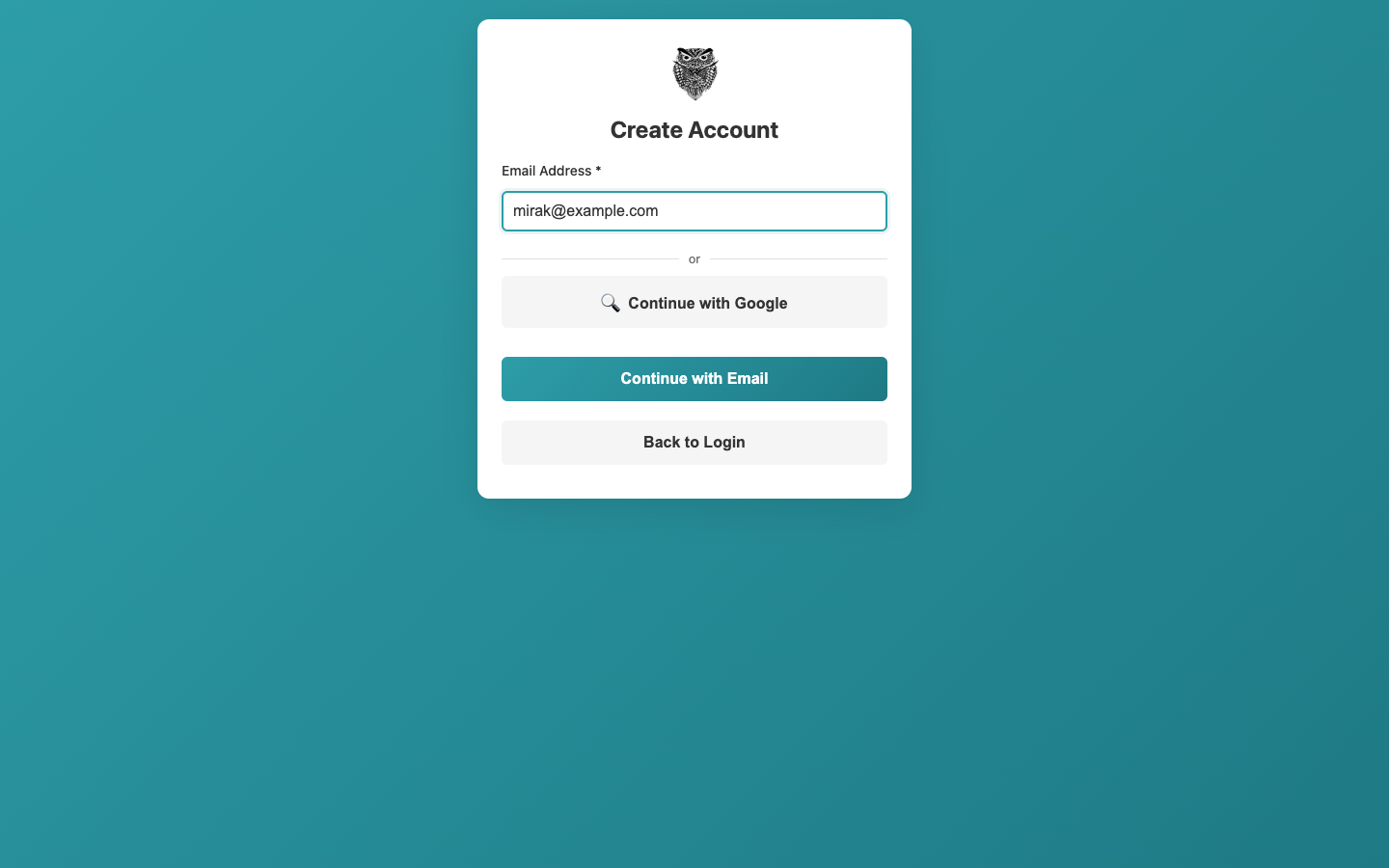
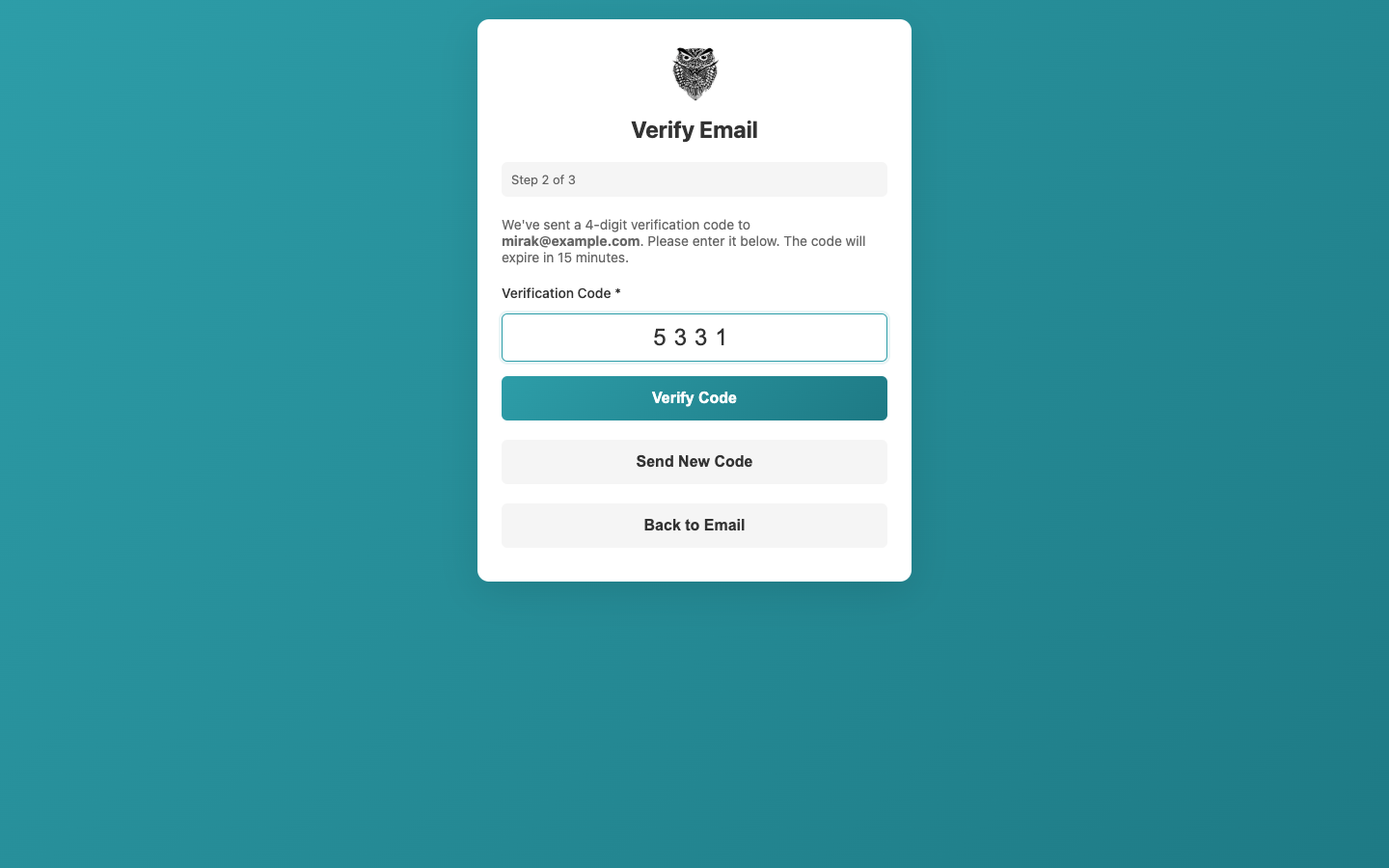
- Choue sends a 4-digit code to that address.
- Enter the code from the email. It is valid for 15 minutes; Send New Code sends another.
- Choose a username, letters and digits only. Other players see it, and you log in with it.
- Enter your real name.
- Choose a password of at least 6 characters, and enter it again.
- Your time zone comes from your device. Scheduled chouettes are shown in it, and other players see it in your profile.
- Profile visibility decides who sees your profile. You can change it later in your profile.
- Accept the Terms of Service.
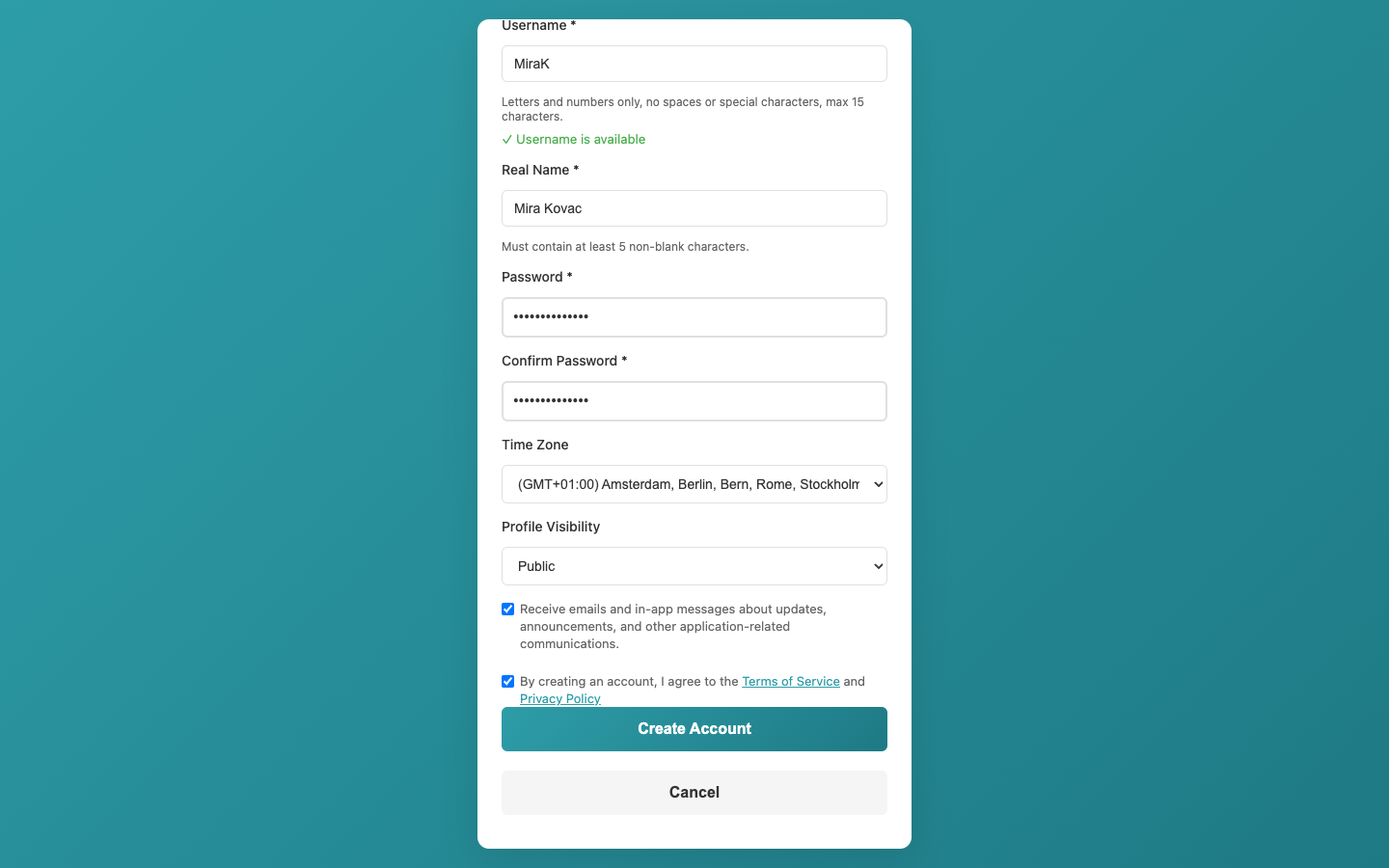
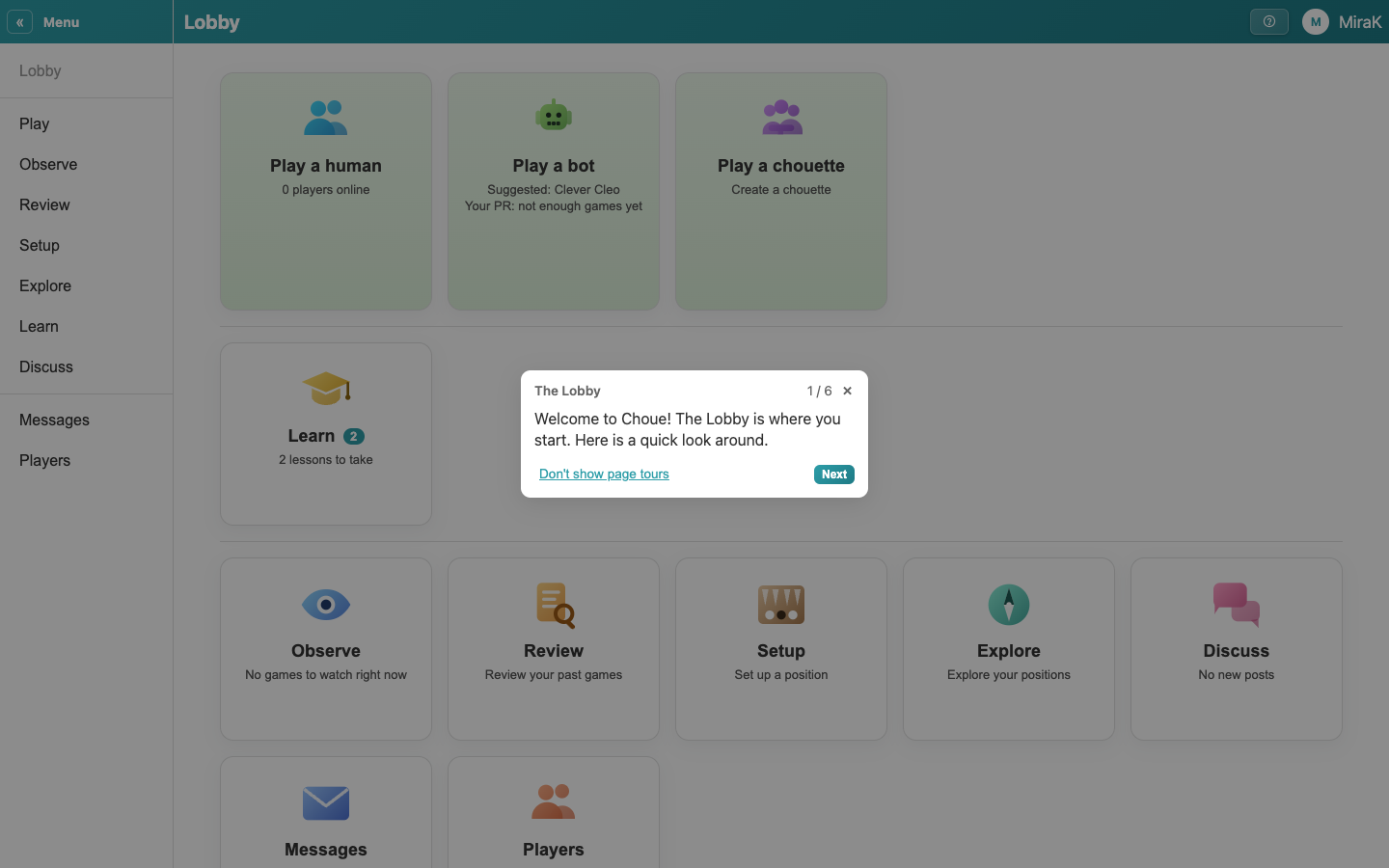
- Create Account takes you to the Lobby, where a short tour shows you around. Close it whenever you like. Each area has a tour of its own the first time you open it, and the ? in the title bar shows the tour of the page you are on again.